 SyncGallery
Android file sync + backup
Sync and back up your files.
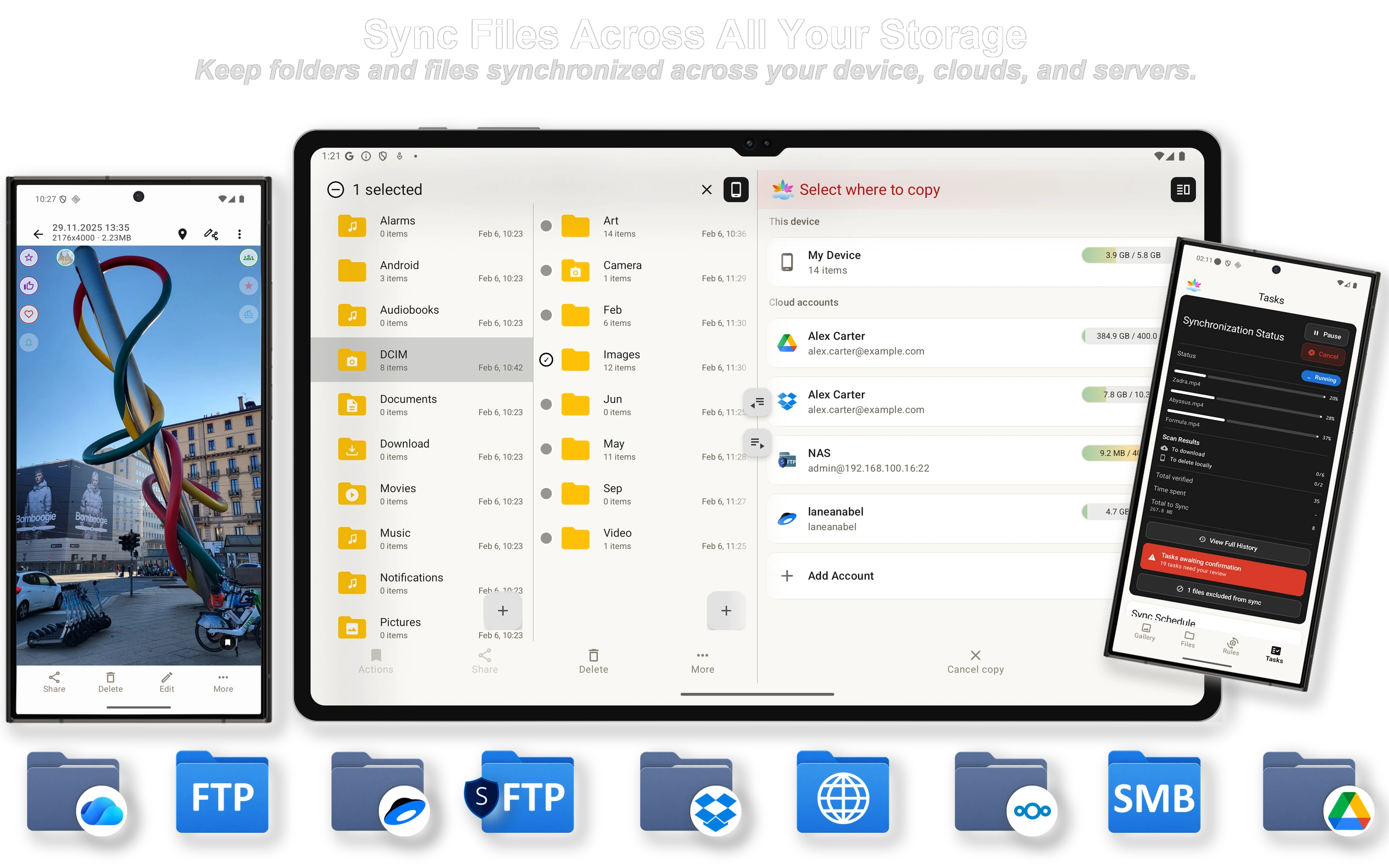
Keep folders synchronized across your device, clouds, NAS, and servers. Review the first sync, automate what should happen next, and see every transfer.
- Google Drive
- OneDrive
- Dropbox
- Yandex Disk
- Nextcloud
- SMB / network shares
- FTP / FTPS / SFTP
- WebDAV
Start with your goal
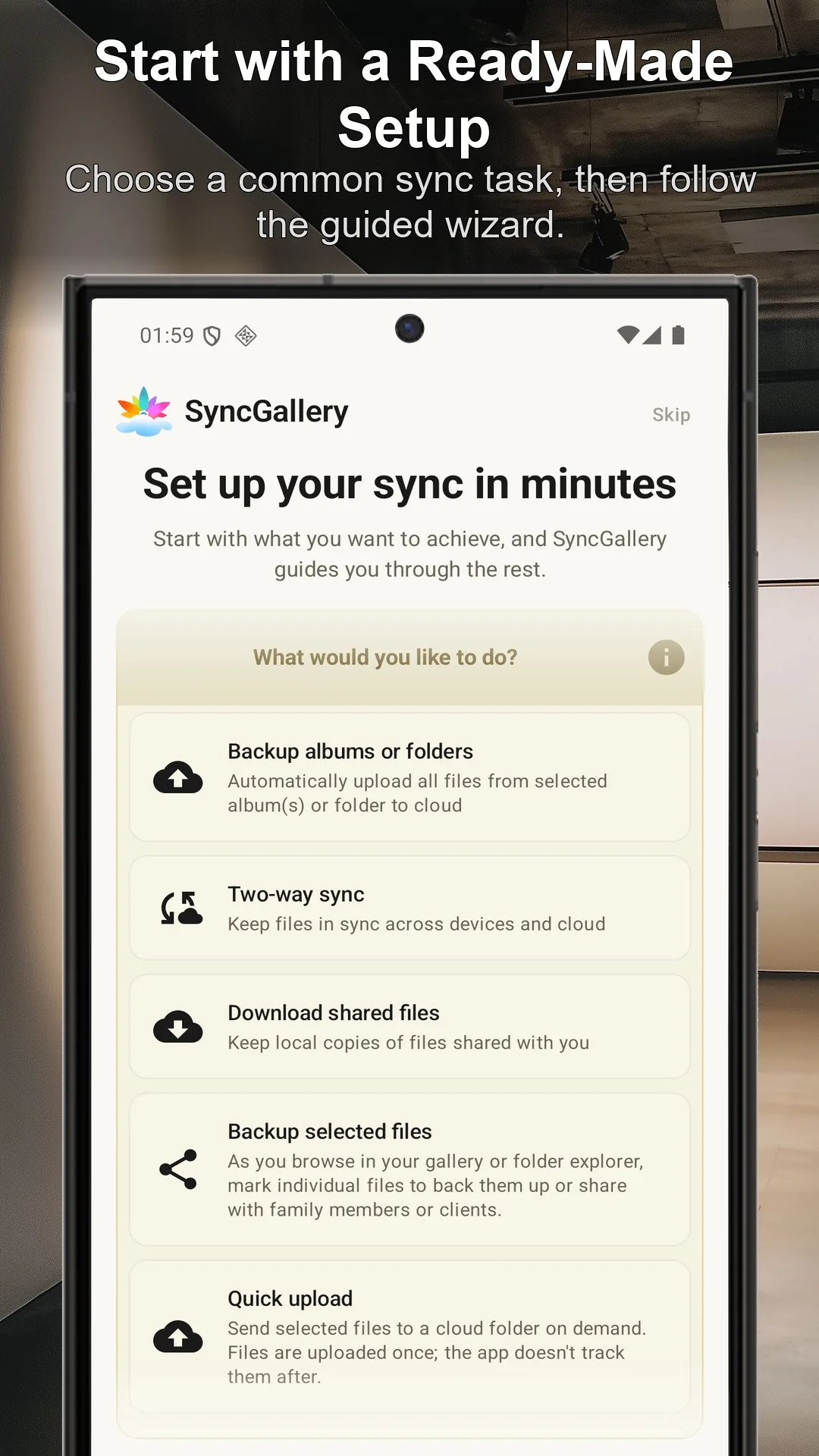
Back up, synchronize, or send files once.
Automate the routine.
Keep every important change visible.
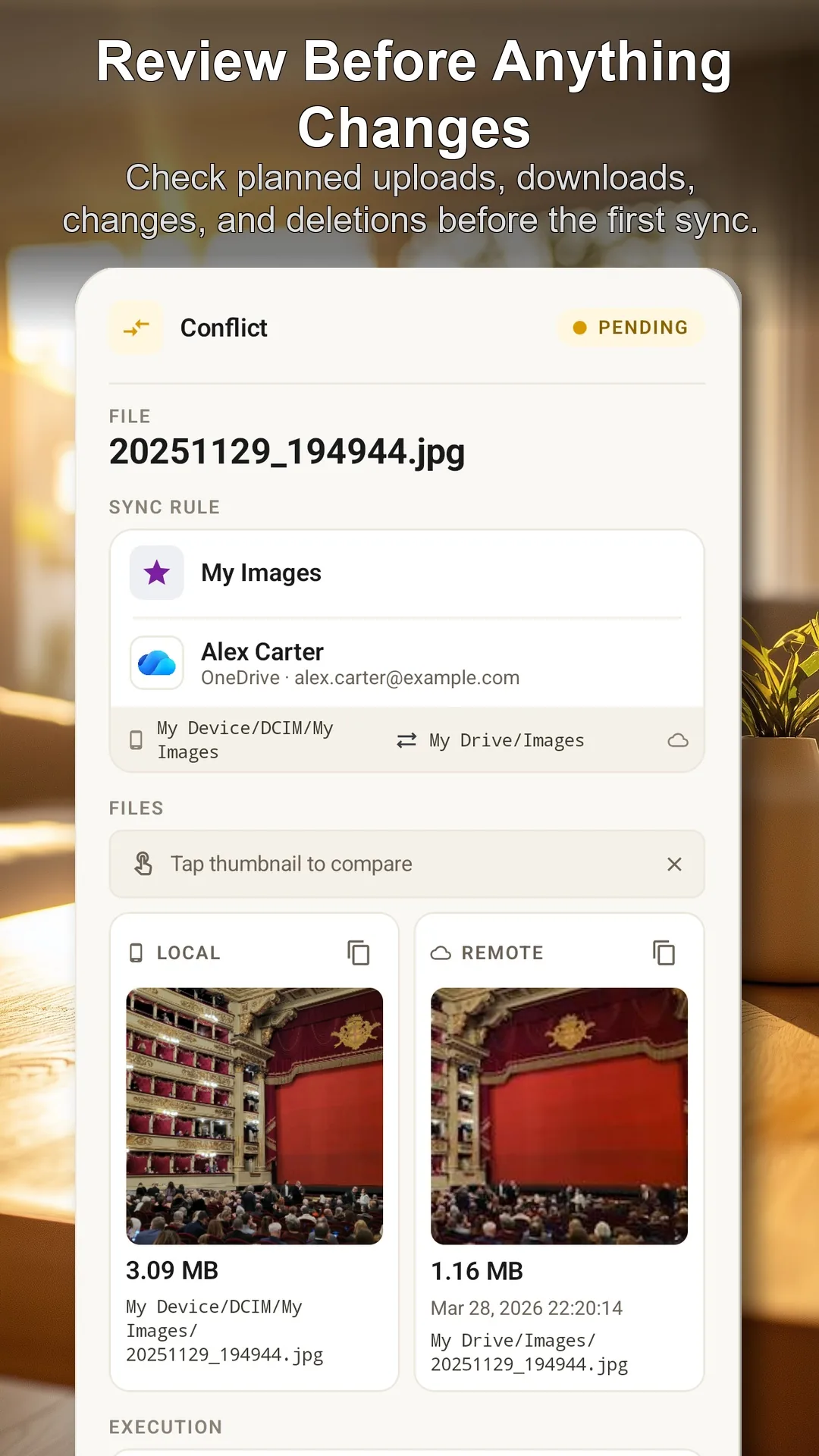
Review the first sync before anything changes.
SyncGallery scans both locations and shows the uploads, downloads, modifications, and deletions it plans to perform.
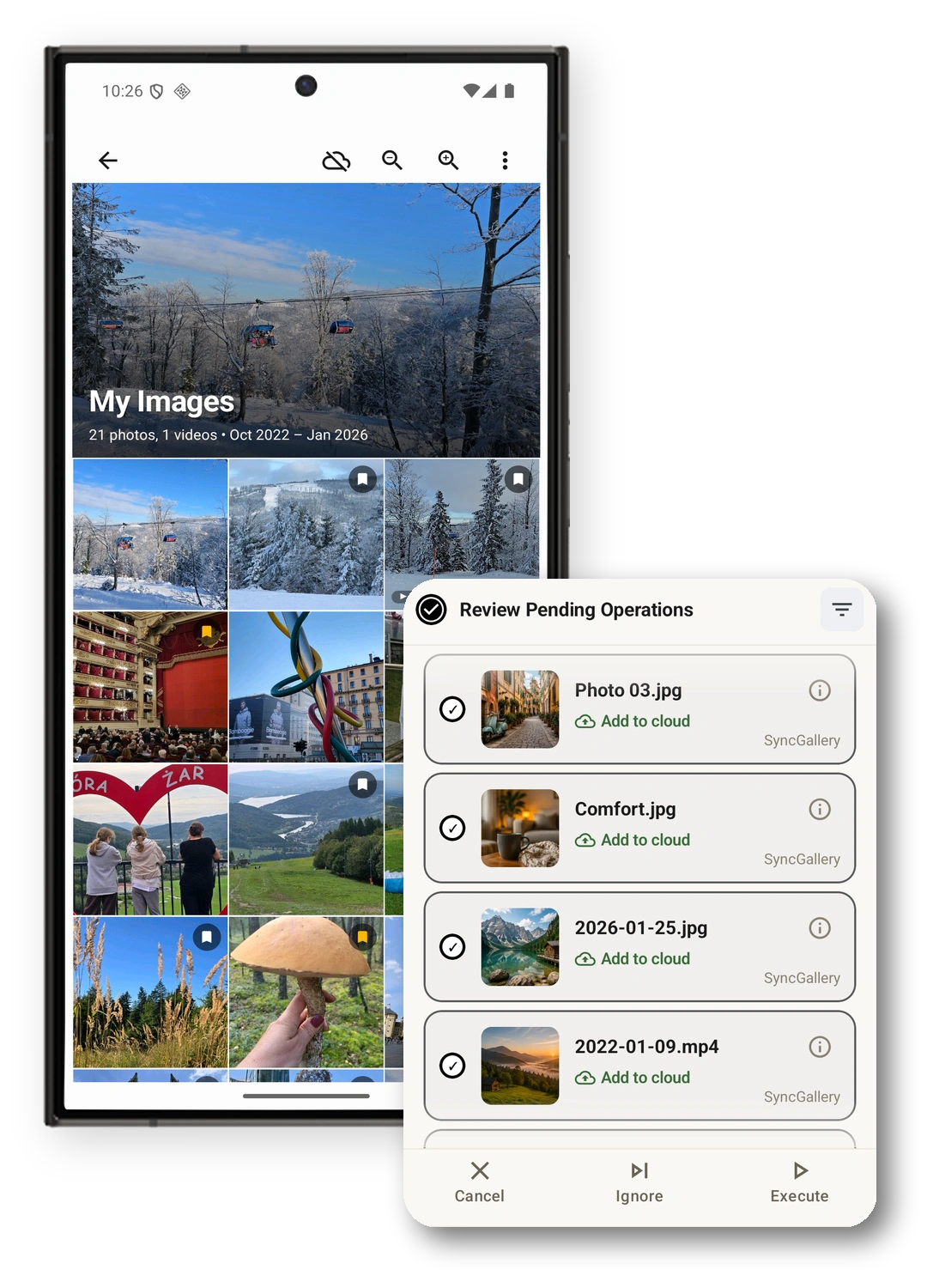
- Check the source and destination of every planned operation
- Match files that already exist instead of uploading unnecessary duplicates
- Adjust the rule before approving automatic synchronization
Set the rule once. Let it run on your terms.
Choose the source, destination, sync direction, schedule, and network or battery preferences for each rule.
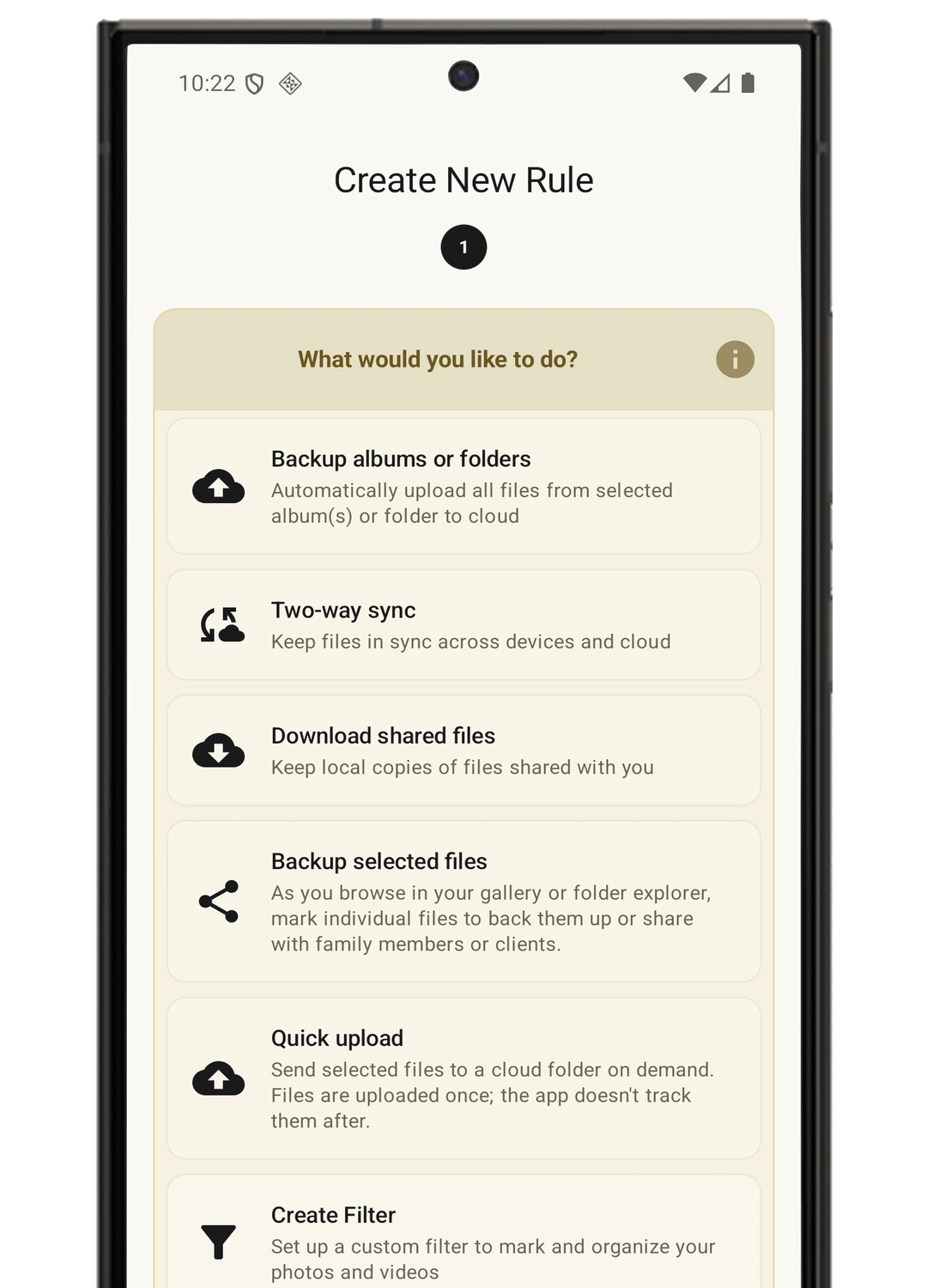
- Start with a ready-made setup or configure a detailed rule
- Sync photos and videos, related sidecars, or files matched by filename patterns
- Run automatically on the schedule and connection conditions you choose
Supported now
Connect the storage you already use.
Sync folders and files with cloud accounts, a home server, or network storage. Device and remote locations use the same browsing and file-management workflow.
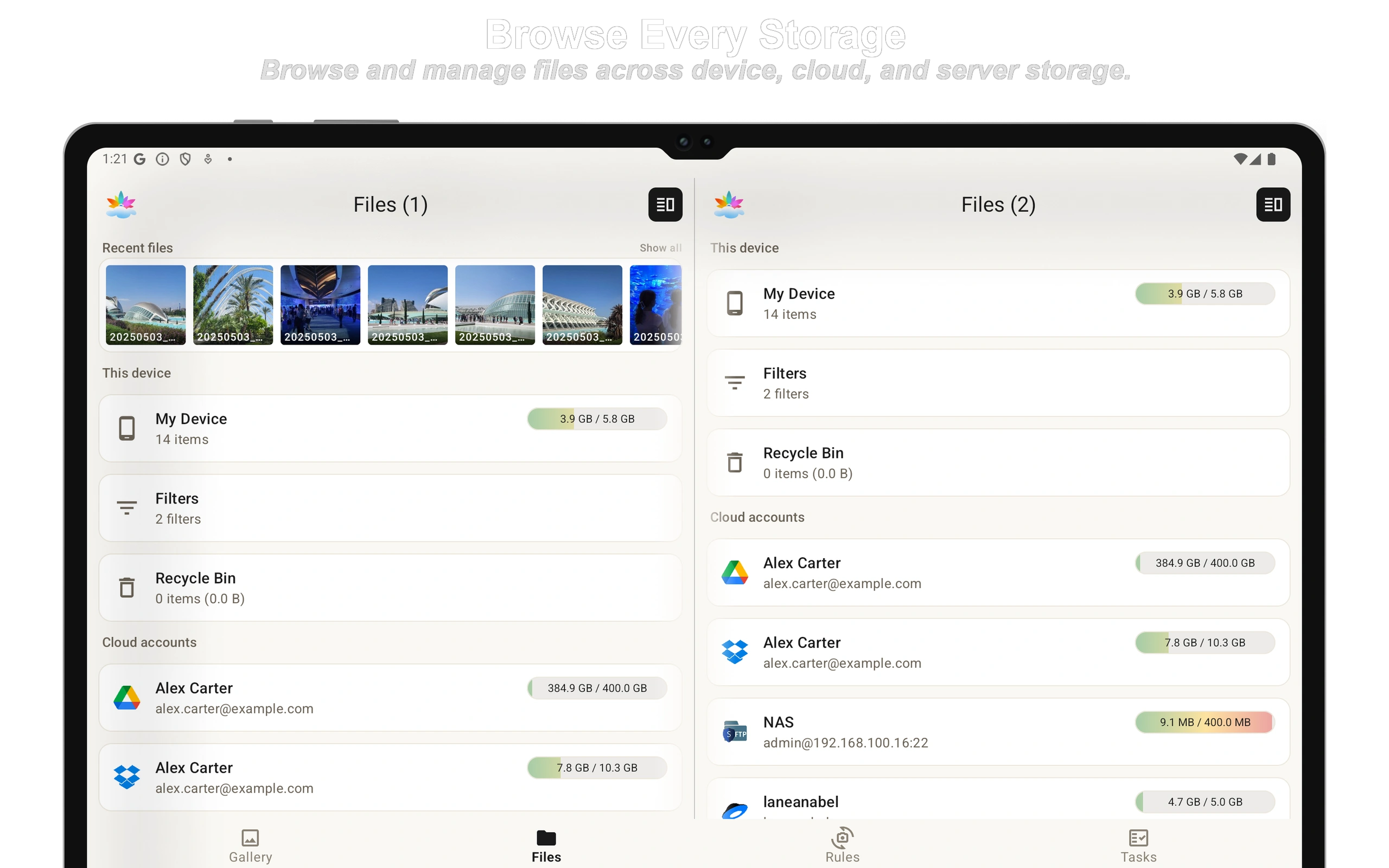
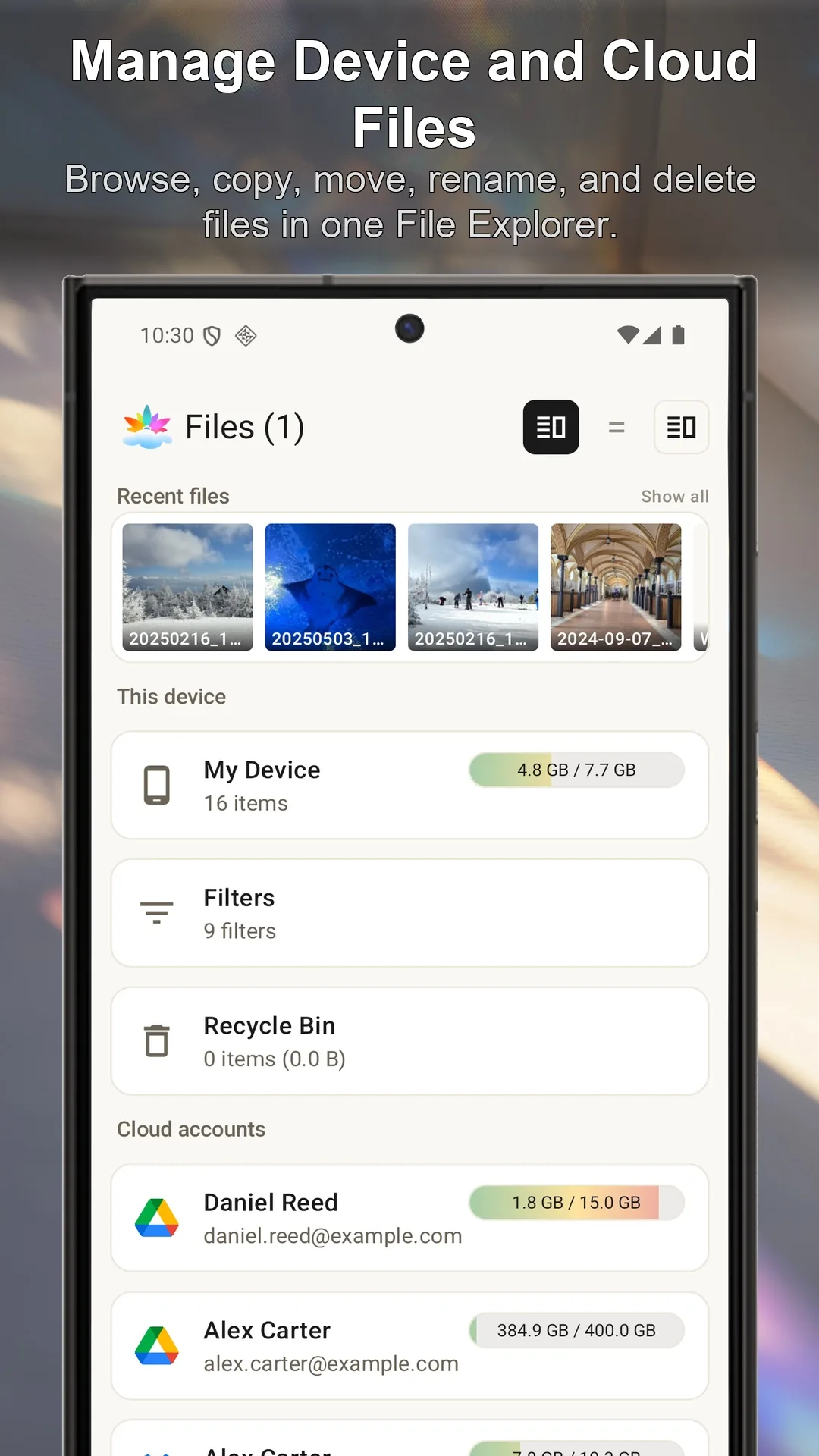
Your device and every storage in one File Explorer.
Browse your device, SD card, cloud accounts, NAS, and servers without switching between separate storage apps.
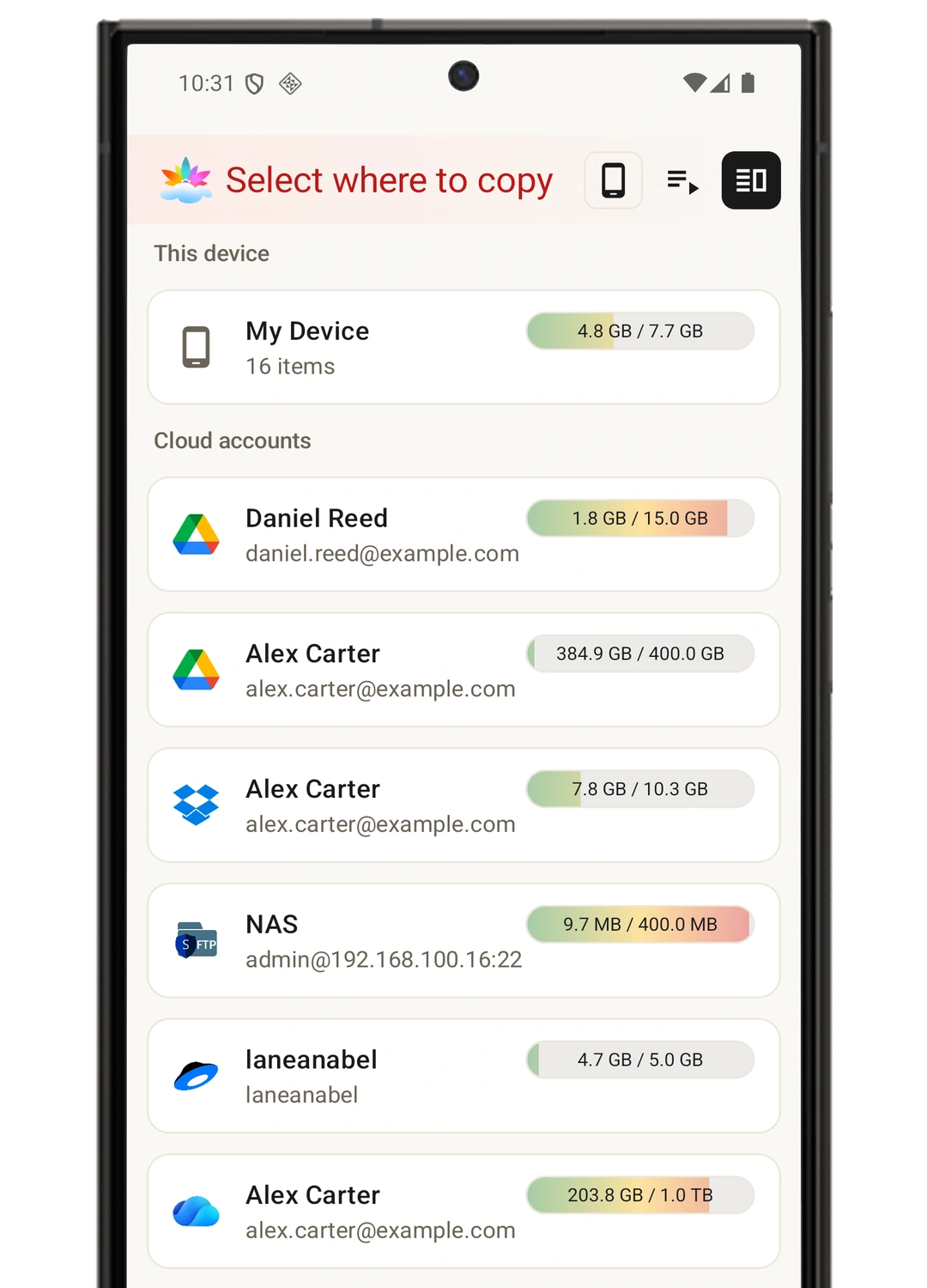
- Copy, move, rename, and delete files with the same workflow everywhere
- Connect multiple accounts and see available storage before choosing a destination
- Use two panels side by side on wider screens to keep source and destination visible
Automate a folder—or send one file now.
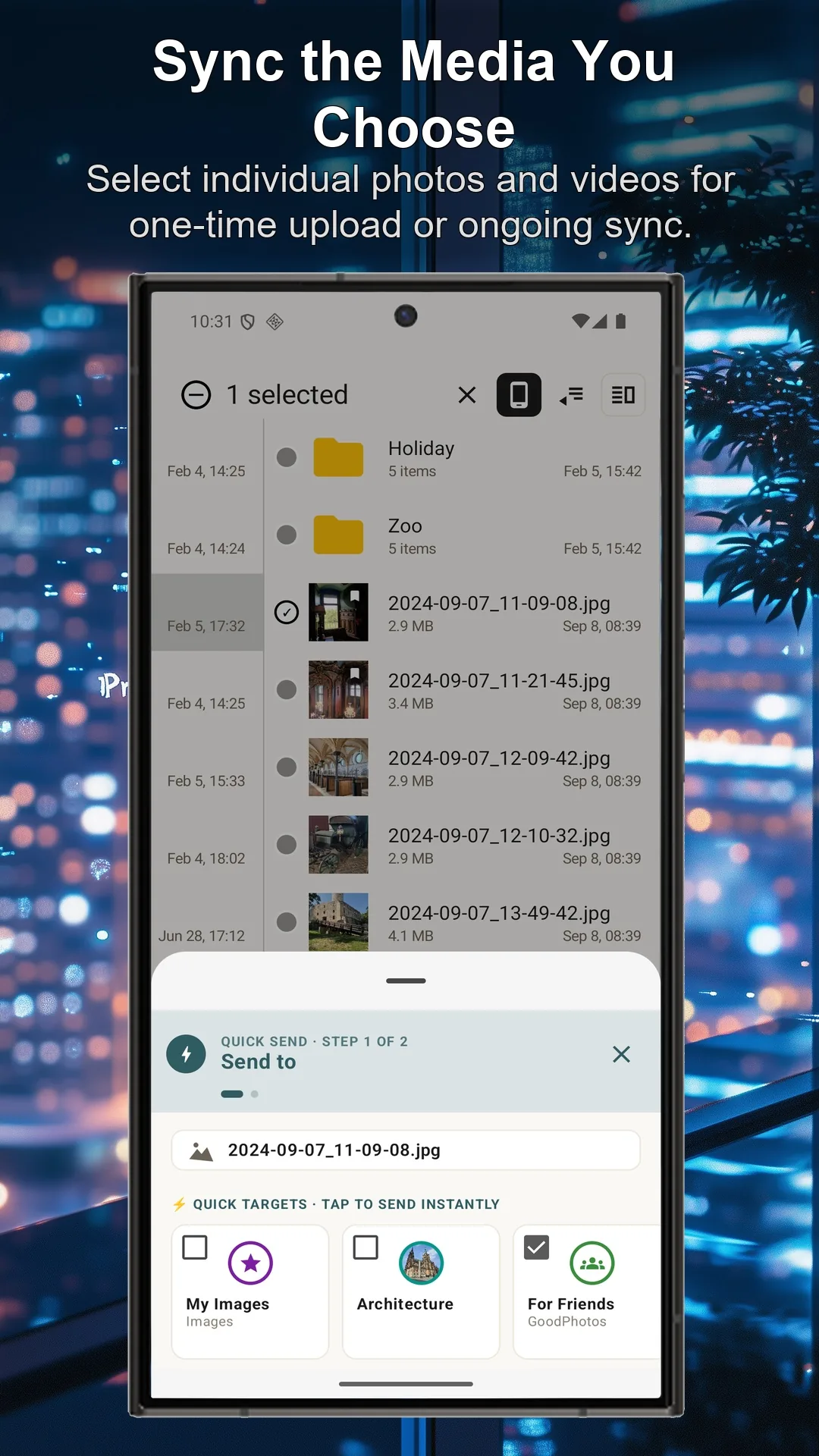
Use Quick Upload or Quick Send from Gallery, File Explorer, or another Android app when you do not need an ongoing rule.
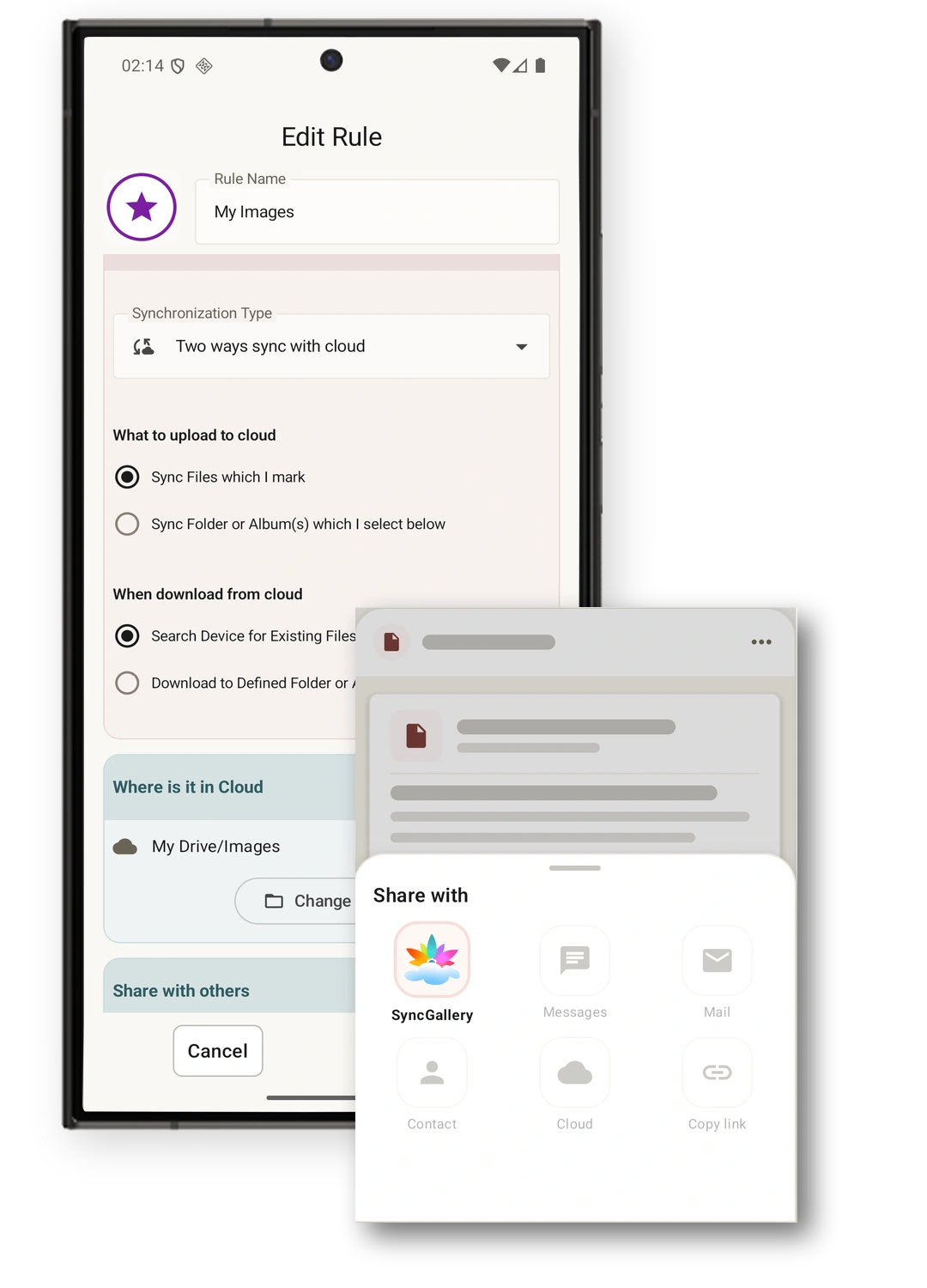
- Upload selected files once without creating an automatic sync rule
- Send files directly from apps that support Android's Share menu
- Create ongoing synchronization only for the folders and files that need it
Use automation for repeated work and Quick Send for everything else.
Review risky changes before they spread.
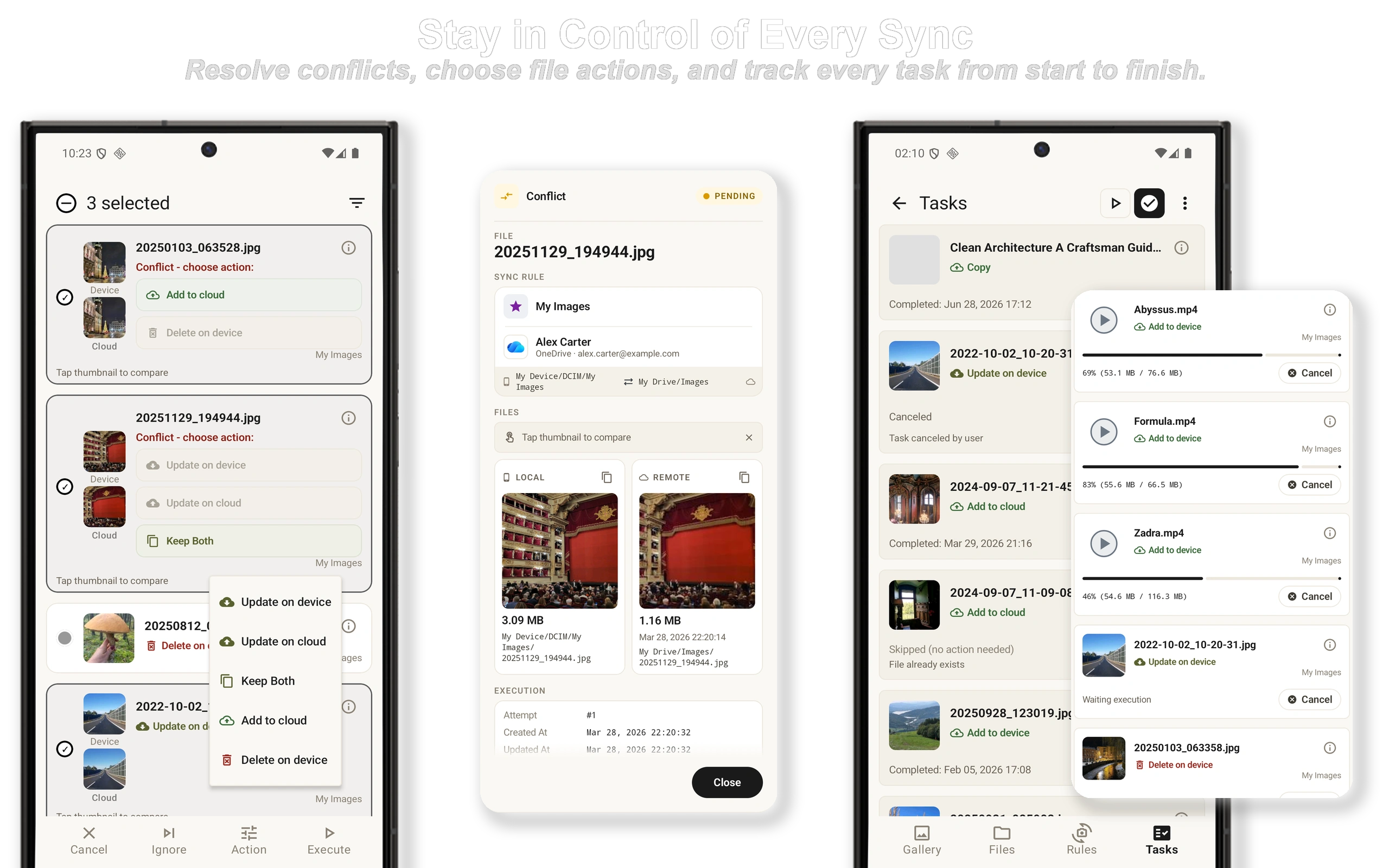
Conflicts and unusually large batches of changes can pause for your review instead of running silently.
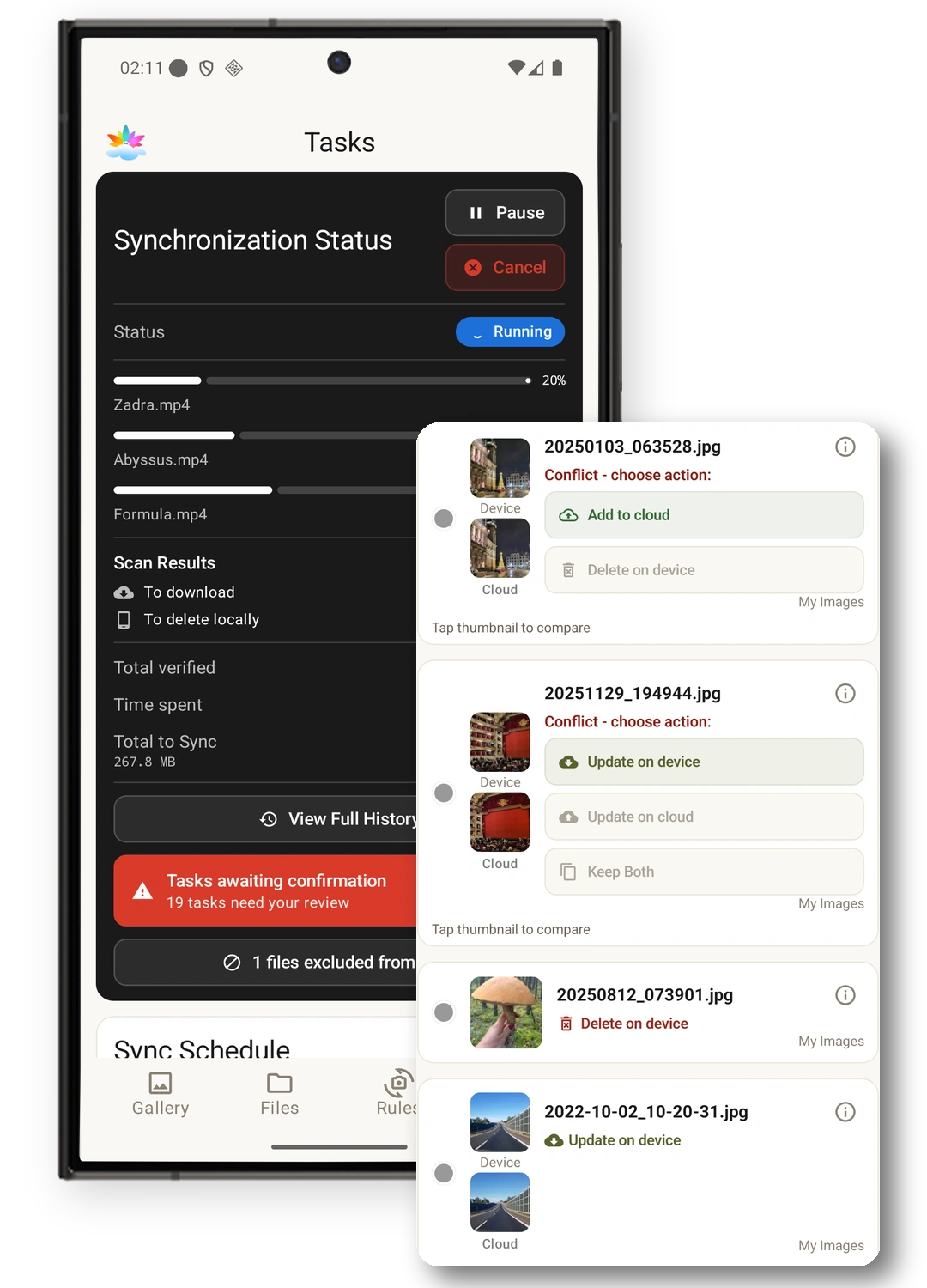
- Set thresholds for deletions and unexpected mass updates
- Choose the device version, remote version, or keep both when files conflict
- Exclude individual files when they should not be synchronized
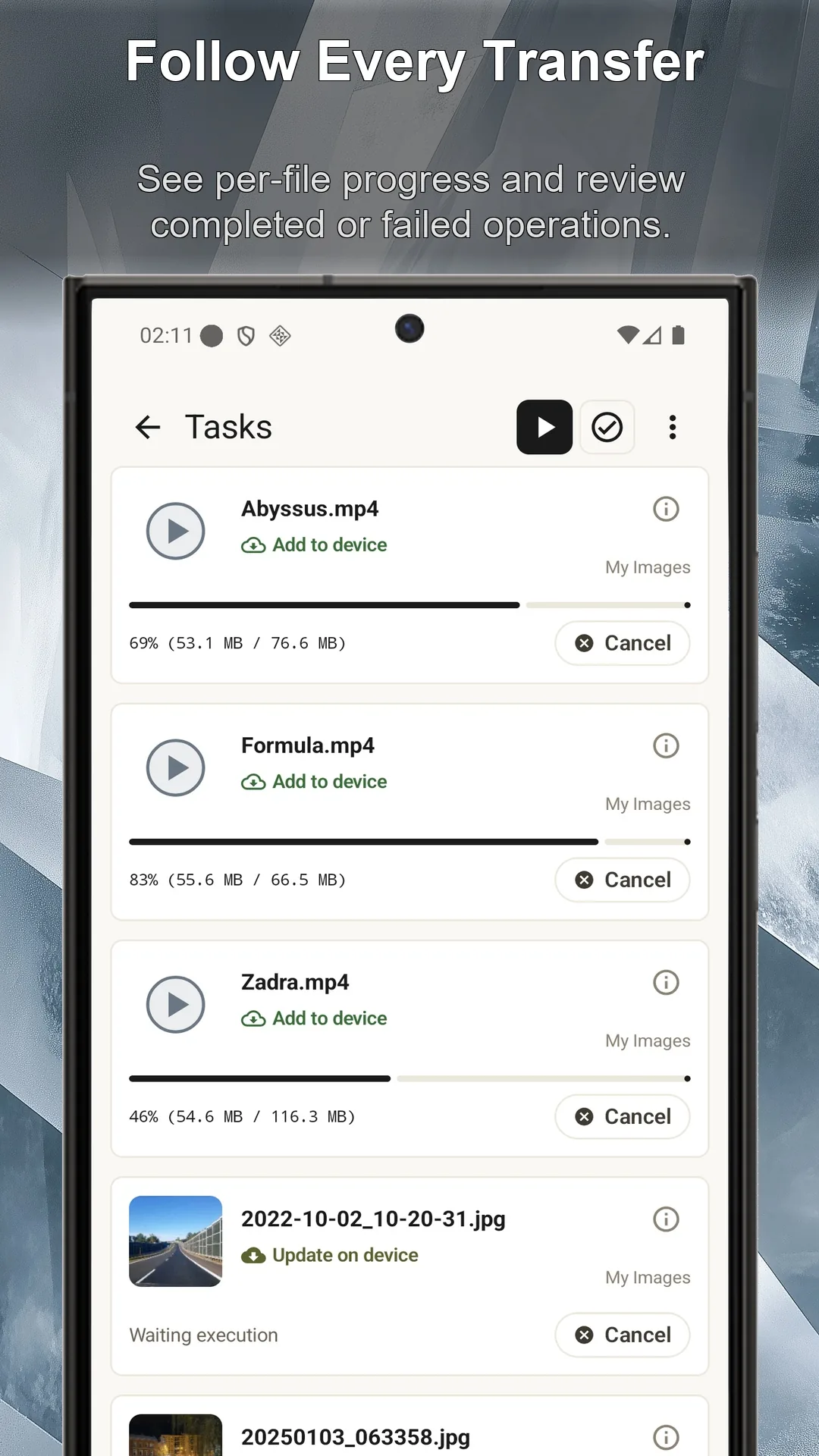
Track every transfer.
Follow each upload and download with per-file progress, then review the complete operation history.
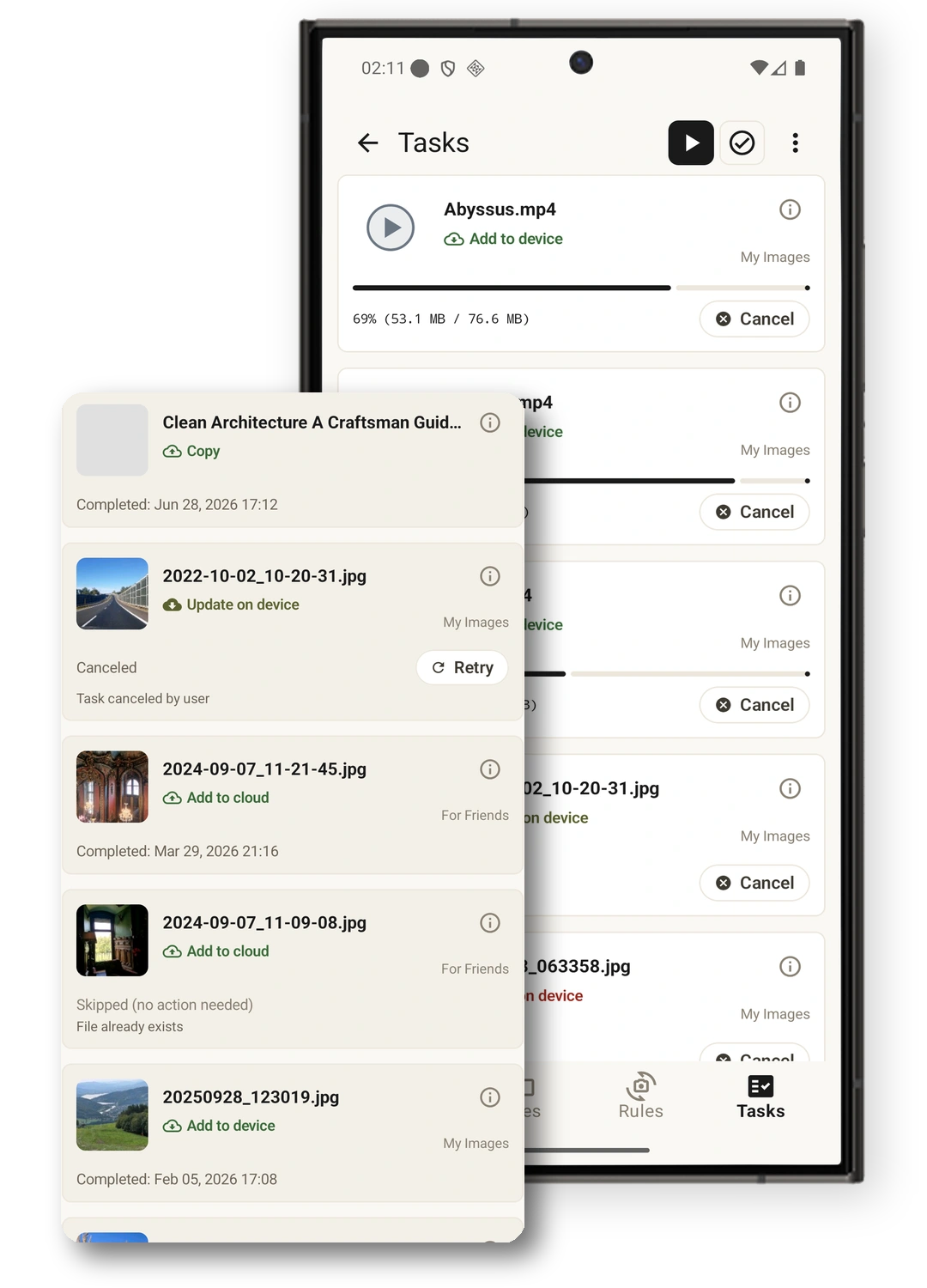
- See what is running, waiting, completed, or failed
- Check where every file came from and where it was sent
- Review skipped and cancelled work and retry when appropriate
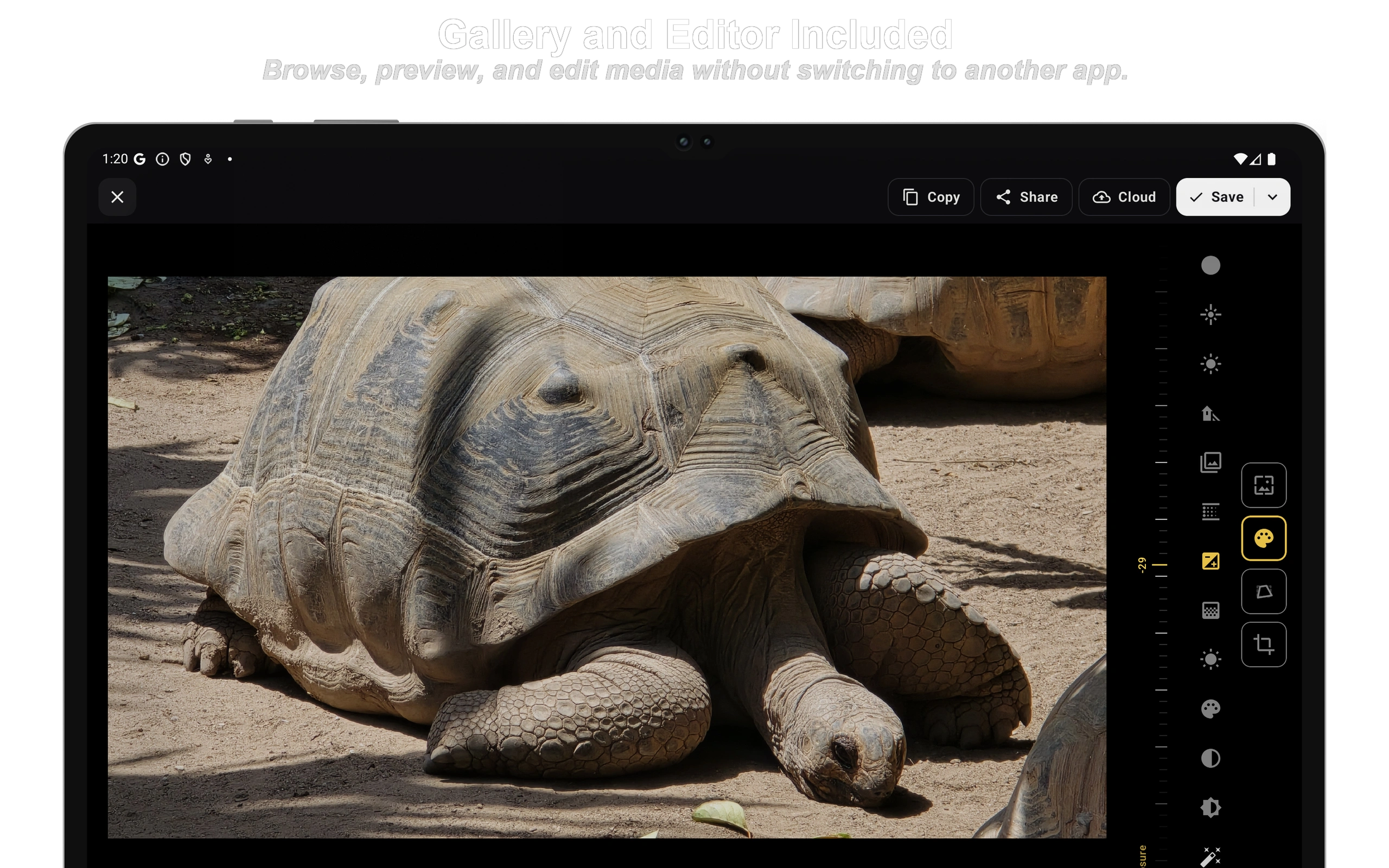
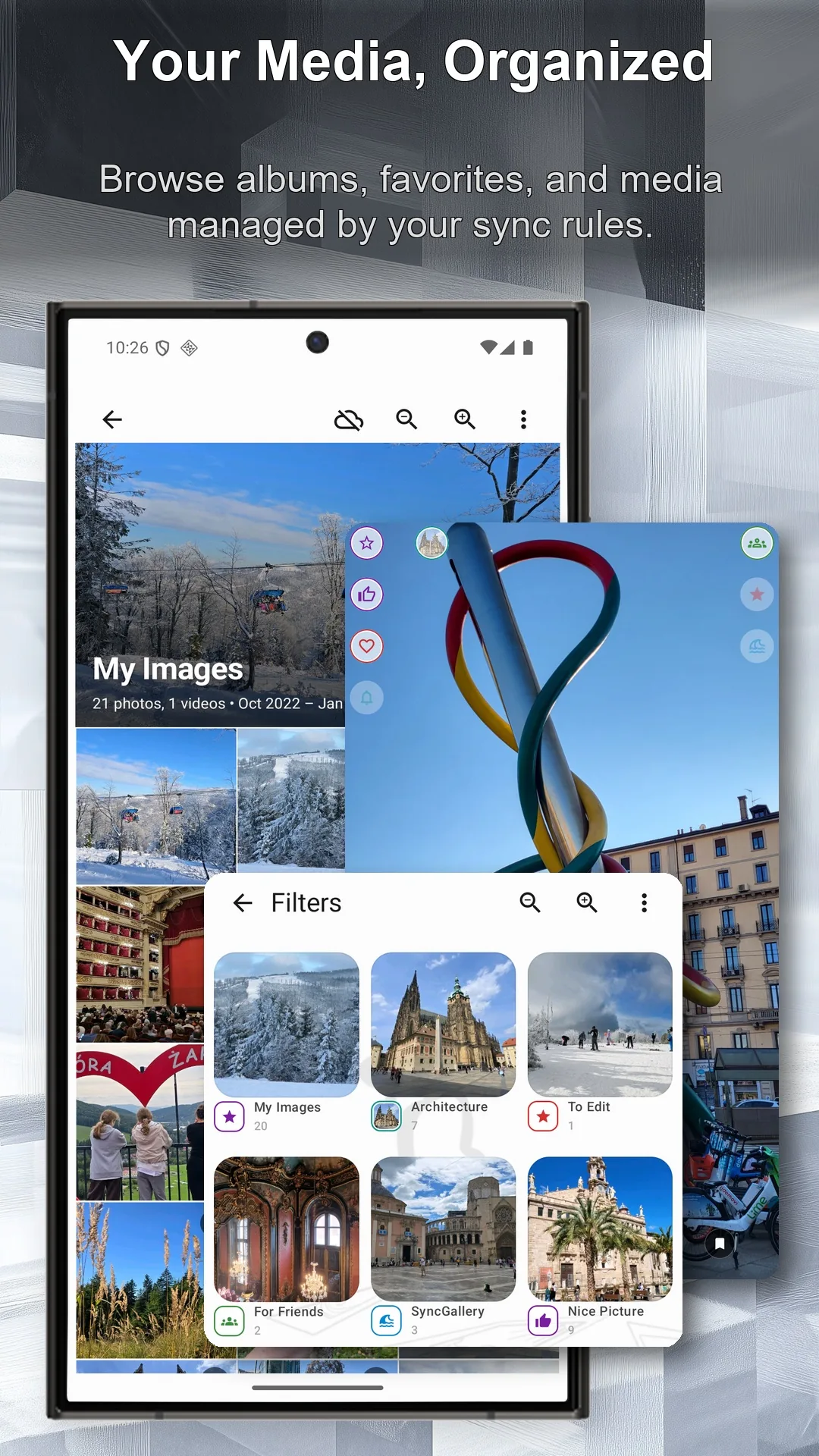
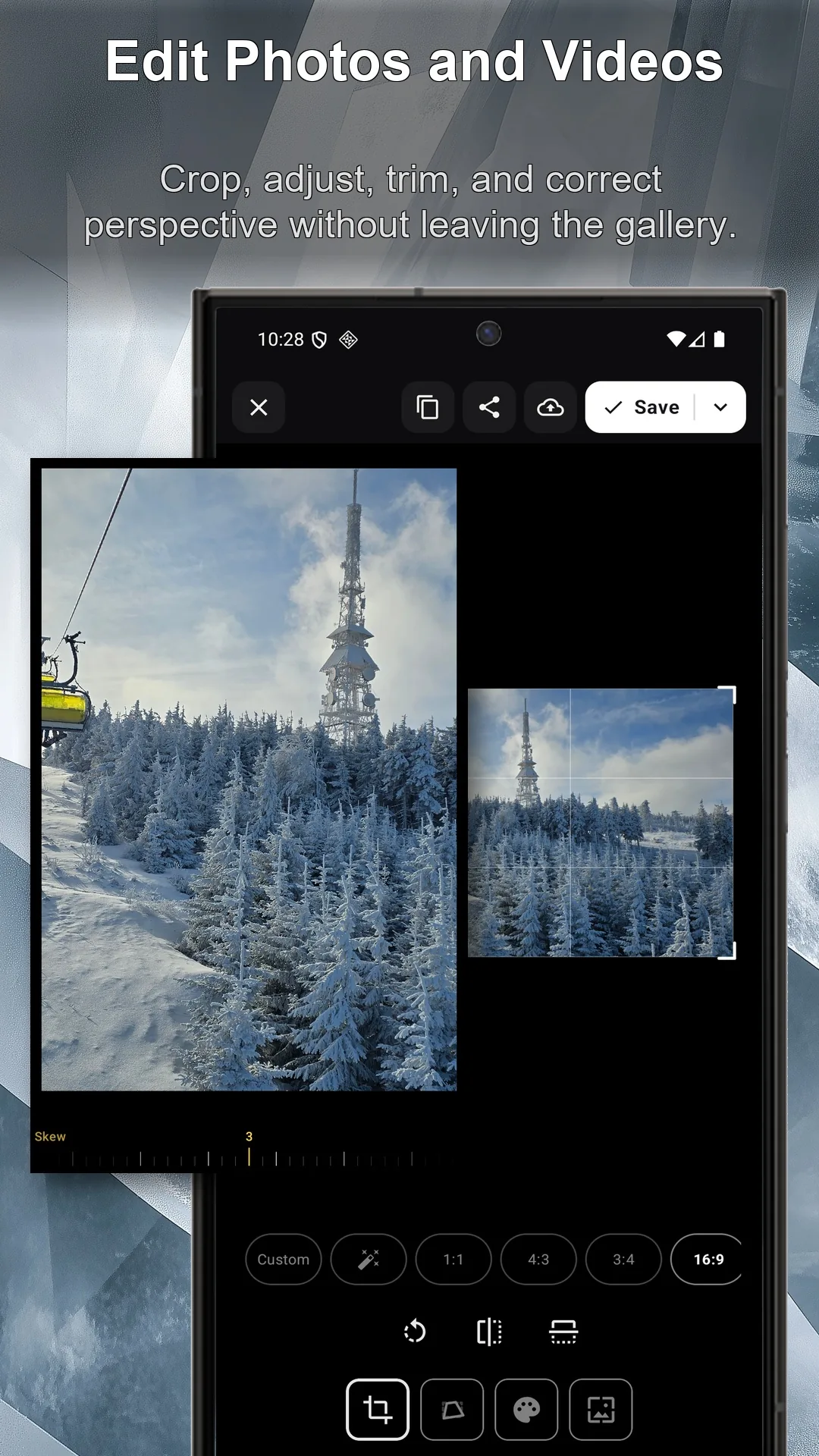
Gallery and editor included.
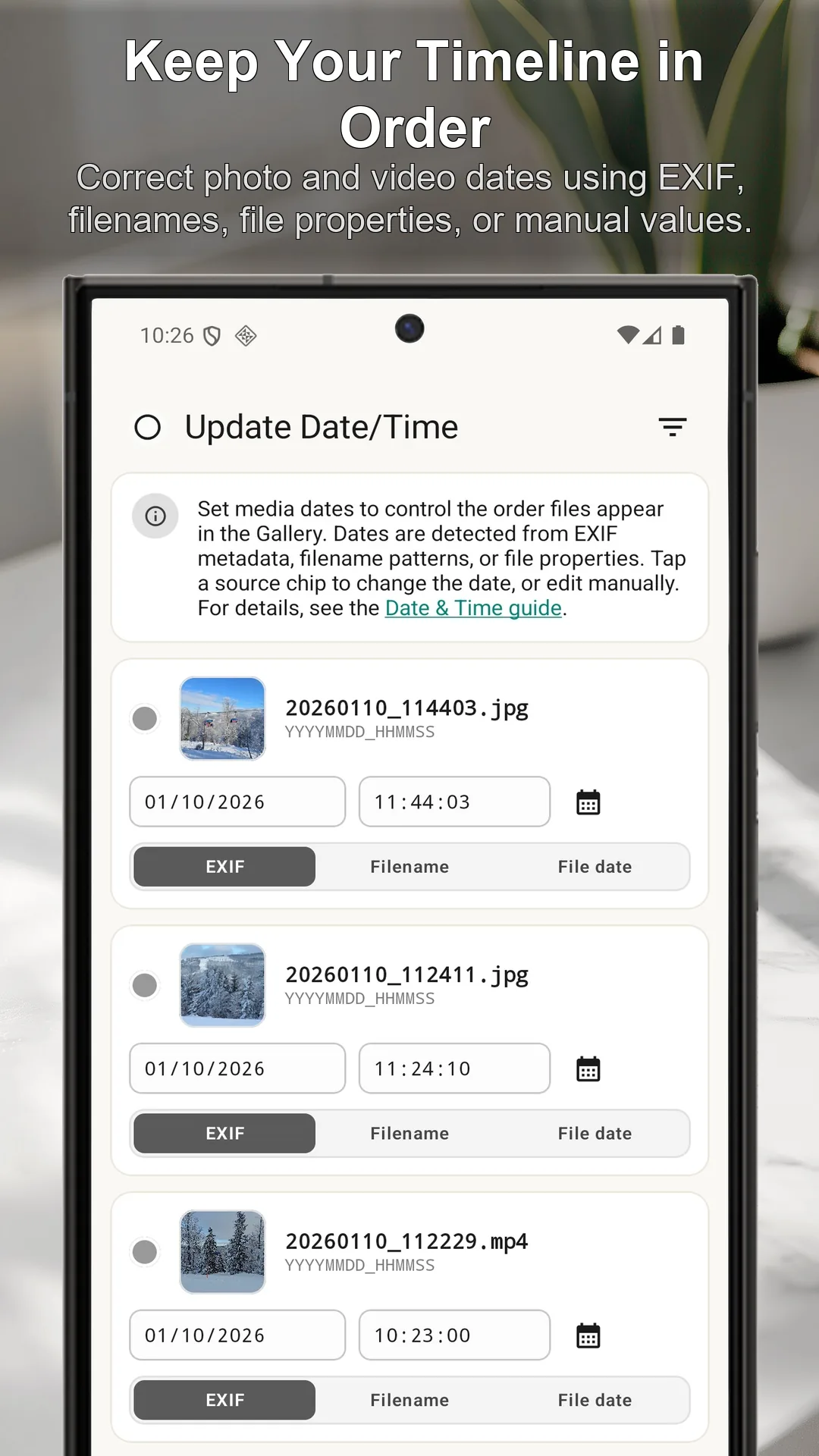
Browse and preview photos and videos, correct media dates, crop and adjust images, trim videos, and send edited files directly to connected storage.
Your files move directly between your device and the cloud account or server you choose. SyncGallery does not relay or store transferred files on its own servers. All Files Access lets the app work with the folders, SD cards, and related file types you select for synchronization.
Put Android file sync under your control.
Choose what syncs. Review first. Automate after.
Get SyncGallery on Google PlayAndroid phone · Tablet · Samsung DeX